October 20, 2026
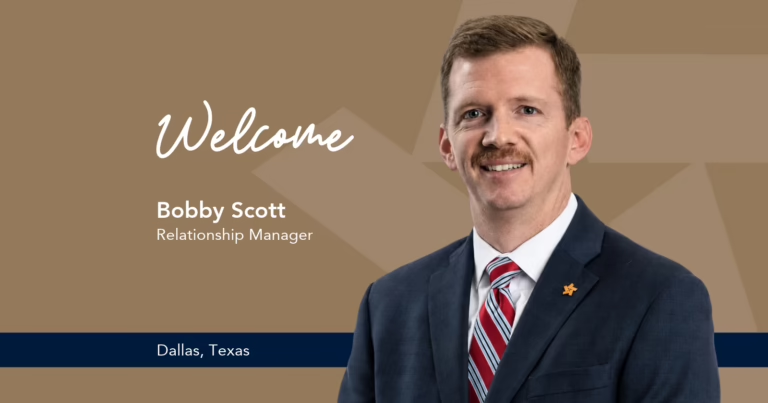
TRB Welcomes: Bobby Scott as Relationship Manager in Park Cities
People You Know
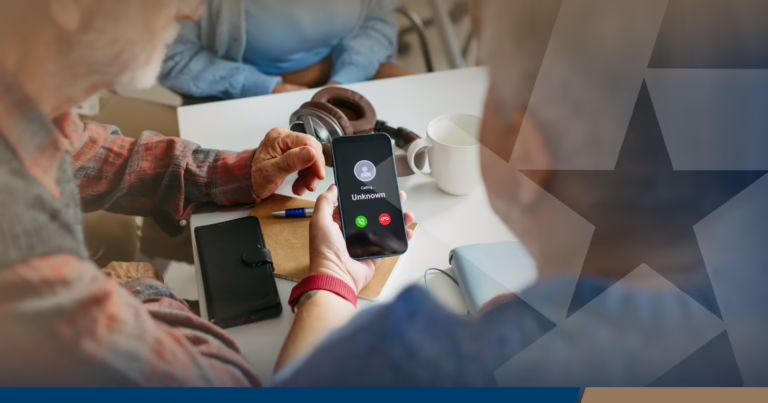
Fraud Alert: Scammers are texting and calling as TRB’s Fraud Department. TRB’s Fraud Department will never call you, text you a link, or ask for your username, password, or token code verbally or via text. If contacted, hang up and call us at 855-534-4433.


FDIC-Insured – Backed by the full faith and credit of the U.S. Government

A fraud alert is supposed to warn you about suspicious activity. Fraudsters increasingly use fake alerts to create the same sense of urgency.
A fake bank fraud alert may arrive by text, email or phone and claim that a transaction, login or transfer needs immediate attention. The message is often the opening move in a longer impersonation scam designed to capture credentials, one-time passcodes or money.
The FTC specifically warns that some text scams begin with fake fraud alerts claiming to come from a bank or fraud department. Responding can lead directly into a conversation with the scammer.
The first message may look routine:
– Did you authorize this transaction?
– Suspicious activity detected.
– Urgent: Reply YES or NO if you recognize this information.
The fraudster wants a response. Once you engage, the scheme can progress to a phone call, fraudulent website or request for account information.
The FBI has documented scams in which victims receive what appears to be a bank fraud alert and are later contacted by someone impersonating the bank. The caller may even appear to use the institution’s legitimate phone number because caller ID can be spoofed.
The second stage often carries greater credibility than the original message. A caller may know your name, bank or other personal information. They may reference the supposed fraudulent transaction and explain that they need to “secure” the account.
That familiarity is not proof of identity. TRB has warned that fraudsters can build detailed profiles using public records, social media, business websites and information exposed through data breaches.
Fraudsters often make requests look legitimate. Learn why verification is one of the most effective tools for preventing fraud.
Learn MoreA one-time passcode provides an additional layer of authentication for account access.
Fraudsters may trigger a legitimate passcode and then ask you to read it back, claiming they need the code to cancel a transaction or verify your identity. Sharing it may instead help them complete an account login or another sensitive action.
TRB specifically advises customers never to provide online banking passwords, one-time passcodes or security-token codes in response to an unsolicited phone call, text or email.
An unexpected fraud alert deserves verification before you interact with it.
The FTC recommends contacting the company or bank through a phone number or website you know is legitimate rather than using contact information supplied in the unexpected message.
A fraud alert should prompt verification, not immediate interaction with the message itself.
Use a channel you already trust to determine whether the alert is legitimate. Keeping that verification step separate from the original contact can interrupt the scam before credentials, account access or money are compromised.